Captions
Caption styles: 41 animated caption templates
Pick a caption style and captionrich times it to every word you say. Change the font, colours and position, save the look as your own, and export with the captions burned in.
Try a style freePopular caption styles
Each one opens a page with a demo and notes on when to use it.

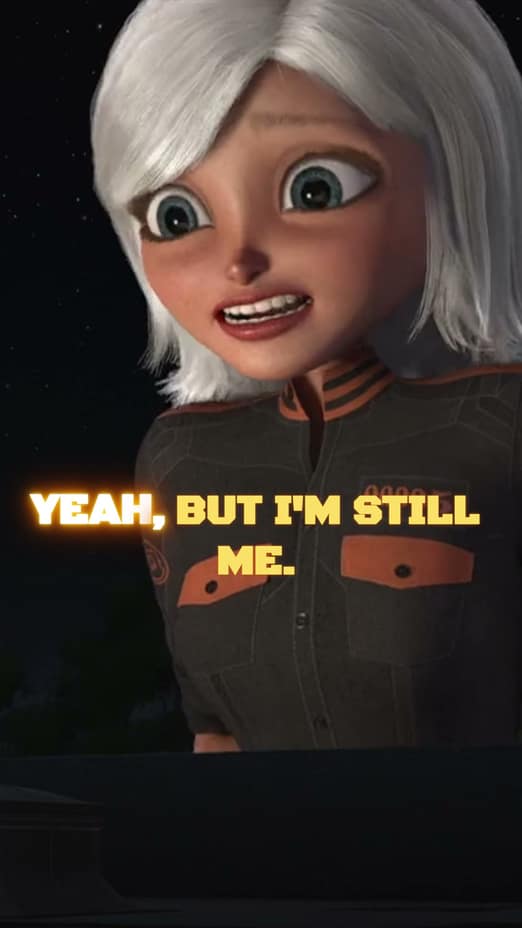
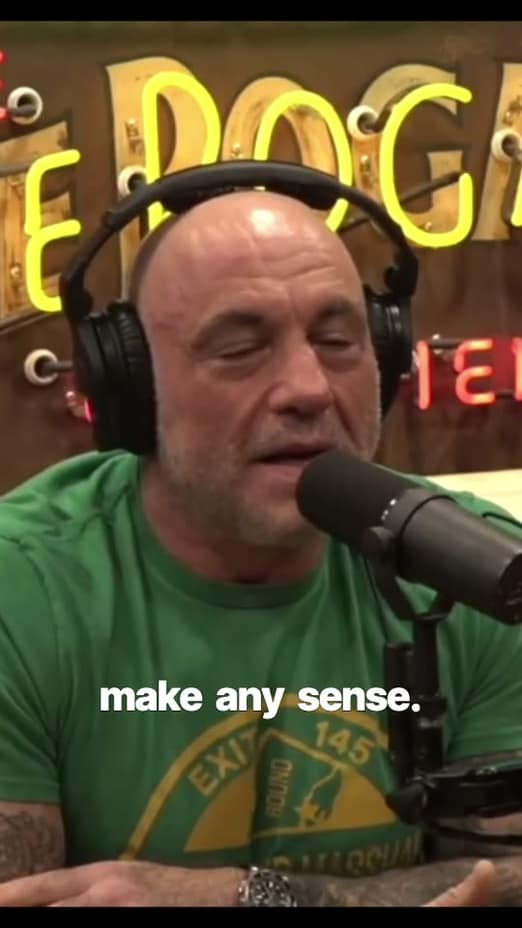
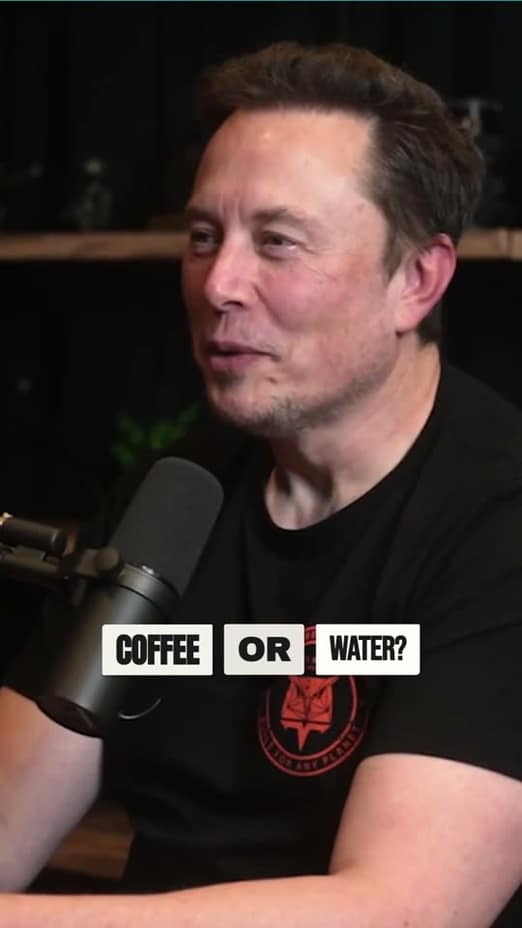
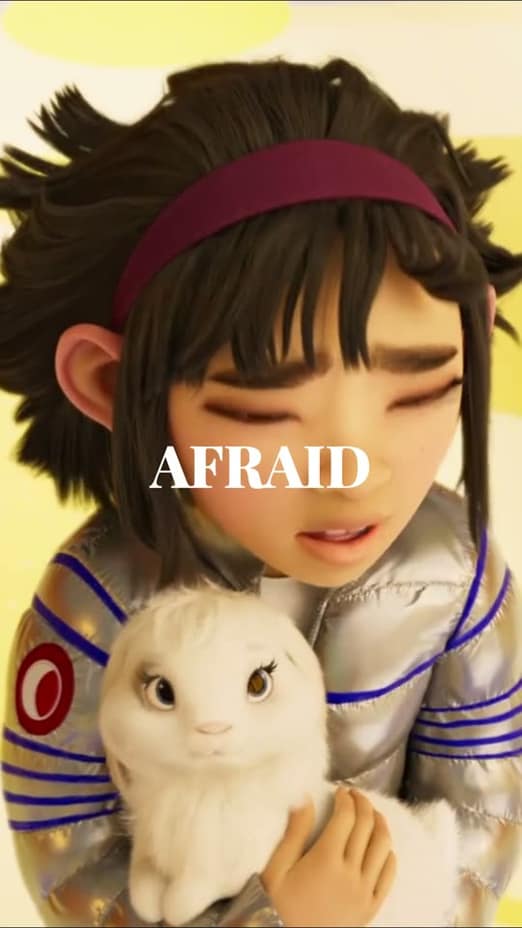
Every caption template, by category
Minimal caption styles
- Simple
- Clean word-by-word highlighting. Active word pops in your chosen color.
- Simplest
- The most stripped-back caption: clean white text on a solid black plate, 5 words per line, no animation.
- Ali Abdaal
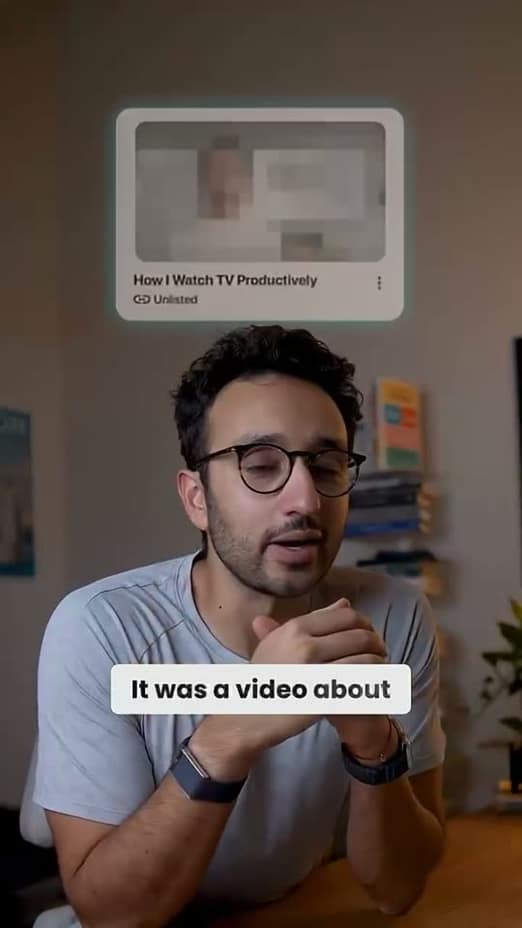
- Clean white pill with a two-tone word reveal: upcoming words fade from grey to black as they're spoken.
- Block Highlight
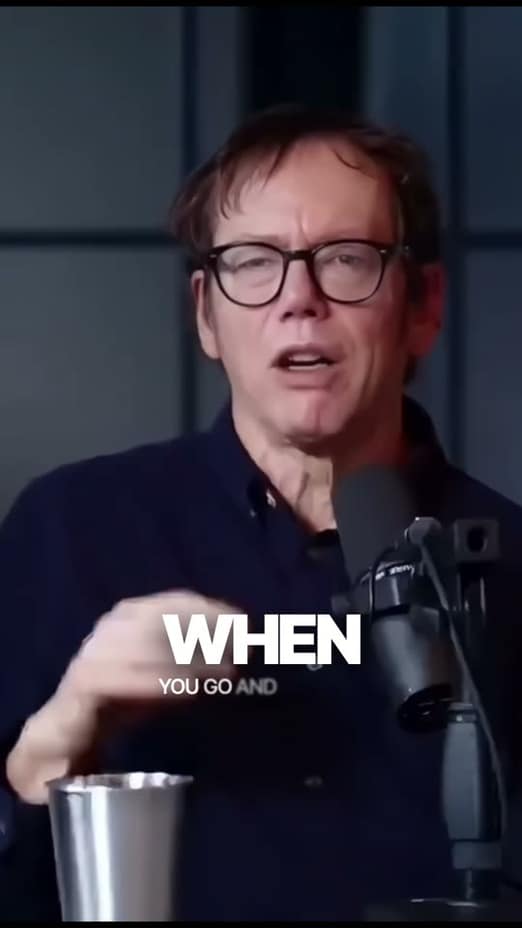
- Highly legible caption; the active word sits in a vibrant solid-color background shape.
- Focus
- Professional one-word-at-a-time display with a subtle glass background.
- Typewriter
- Classic mechanical typewriter effect with a clean monospace font, blinking cursor, and optional paper texture.
- Apple Glass
- Ultra-sleek minimalist look with a frosted glass backdrop and metallic text gradients.
- Doodle
- Clean white subtitle with a hand-drawn marker annotation (circle, underline, highlighter, arrow) drawn live over the keyword.
- Mask Slide
- Apple-keynote / Linear-style per-letter mask reveal: each character rises from behind an invisible cut line.
Dynamic caption styles
- Homelander
- One word dominates the screen with context words above and below.
- Kinetic
- Karaoke-style sweep: the active word glows and grows as it's spoken.
- Blur Slide
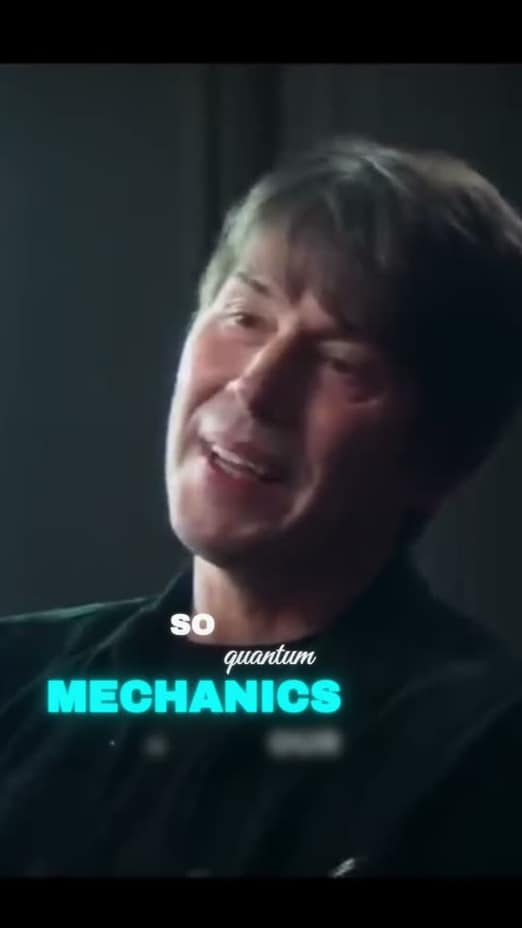
- Word-by-word reveal with a snappy horizontal slide, motion blur, and neon highlight for impactful words.
- Emphasis
- Word size driven by speech timing: longer holds make words pop big.
- Flow
- Multi-anchor flow text with variable scale hierarchies, staggered entrances, and subtle 3D depth.
- Prestige
- Premium After Effects-style captions with flipping character reveals, clean underlines, and smooth scrolling transitions.
- Fluid Expansion
- Rapid-fire single-word captions that burst outward from their own center point.
Energy caption styles
- Chunky Depth
- Big chunky 3D extruded letters with a hard outline, one word per beat with a scale-bounce entry. Speed/Kai-style hype text.
- Dot Matrix
- Retro-futuristic LED board style: glowy dot-matrix font in a high-contrast container.
- Voltage
- Electric 3D extruded captions with cyan edge highlights and a soft electric bloom. Two-line cinematic layout.
- Inferno
- Fire text effect with organic flickering glow: golden flames illuminate each spoken word.
- Cyber Glitch / Chromatic
- Gaming/tech aesthetic with chromatic aberration, displacement slice effects, and a stabilized inner glow.
- Karaoke
- Word-by-word highlight: the spoken word scales up and switches to the highlight color.
Cinematic caption styles
- Golden Glow
- Warm golden caption with a soft diffused halo; key words bold italic, emphasis from style rather than color.
- Motion Tracked
- Aesthetic 3D floating text: words wiggle, drift, and drop in with heavy motion blur and a glowing backlight.
- Dynamic Knockout
- Sleek brutalist agency look: transparent text punches a hole through a dynamically resizing solid box.
- Transparent Knockout
- Huge impact words acting as literal windows to the video underneath, with a solid stroke and heavy shadow.
- Pop Snap
- Each segment scales in with a bouncy spring-pop. Bold serif defaults with a thick outline.
- Slide Snap
- Captions drift in from the left at low opacity, then snap into place. Storytelling vibe.
- Glow Breath
- Soft halo glow with a fade-in and a continuous breathing pulse. Dreamy storytime look.
- Soft Neon
- Light italic captions with a soft colored neon halo. Calm fade and rise per segment, no outline.
- See-Through
- Big single-word serif caption with a translucent tinted fill the video shows through.
- Deep Glow
- Viral After Effects 'Deep Glow' look: bold uppercase sans-serif with stacked halos and a continuous zoom.
Trendy caption styles
- Char Reveal
- Characters fade and rise into place one after another with a soft white halo glow.
- Paper Cut-Out
- Edgy stop-motion aesthetic with mixed fonts, ragged paper textures, and a jittery posterized framerate.
- Neon Hype
- High-velocity sports style with cyan neon sweeps and momentum streaks.
- Artisan
- Handcrafted artistic captions with varied typography, layered depth shadows, and organic motion.
- Beast
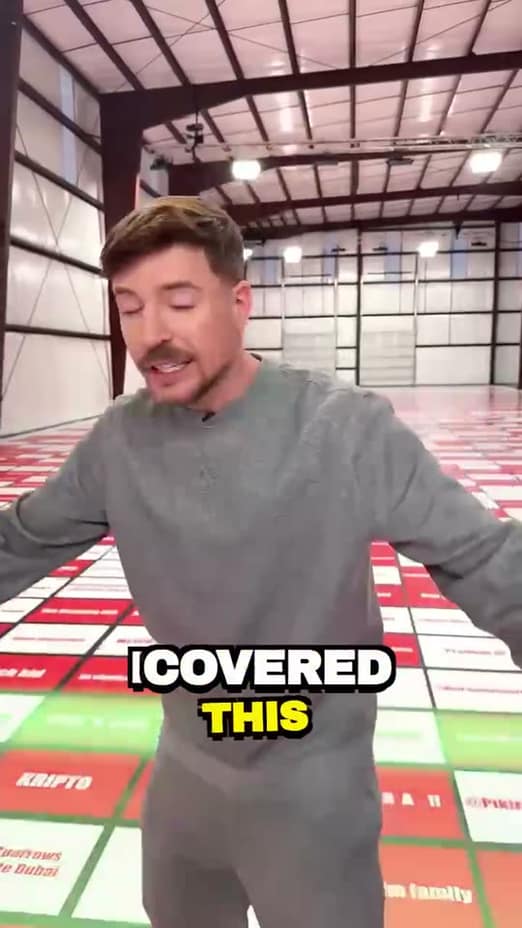
- High-energy stack & shake (MrBeast style): thick outlines, hard shadows, screen shakes, and pop-ins.
- The Viral Hook
- Vibrant background block, high-impact typography, and aggressive pop-ins with a subtle tilt.
- Pop Jiggle
- Pops in then lightly jiggles in place. Rounded display font with a thick outline.
- Block Drop
- Chunky display font with a hard offset ledge and soft drop shadow; lifts and scales into place per segment.
- Color Pop
- Bold white storytelling captions with a thin outline and soft shadow. One keyword per line takes a color that changes every caption; each line pops in fast.
Guide
How to choose a caption style
Match the style to the content
A caption style sets how words enter, which word is emphasised and how much of the frame the text takes. Fast, high-energy content can carry one or two large words at a time. Teaching, interviews and professional content read better with a calm two-line caption and a subtle highlight on the active word.
- Minimal styles keep attention on the speaker: good for tutorials, LinkedIn and client work.
- Dynamic and Energy styles put one big word on screen per beat: good for hooks, sports and entertainment.
- Cinematic styles use glow and soft motion: good for storytelling and voice-over.
- Trendy styles follow looks made popular by well-known creators.
Make a style your own
Every template can be changed. Set the font, colours, stroke, size and position for the whole video, for one caption or for a single word. When the look is right, save it and apply it to your next video in one click, so a channel or a brand stays consistent.
Captions are burned into the exported video, so the animation looks the same on TikTok, Instagram Reels, YouTube Shorts and LinkedIn. To use a style in another editor, export Captions only on a green or blue screen and key it over your footage.
Related on captionrich
FAQ
Questions about caption styles
40+ animated templates across five visual categories — Minimal, Dynamic, Cinematic, Trendy, and Energy — covering everything from clean karaoke highlights to kinetic pop, neon hype, and glitch looks.
Yes. Several templates are inspired by the caption styles popularized by top creators — bold word-by-word pops, punch-in emphasis, and karaoke-style highlights — ready to apply in one click.
Colors, fonts, stroke, size, position, and emphasis are all adjustable — globally, per segment, or per single word. You can highlight one word in a different color or retime it without touching the rest.
Yes. Dial in a look once — template, colors, fonts, stroke — and save it, then apply it to every future video in one click so your content stays consistent.
Yes. Style your captions in captionrich, then choose Captions only in Export. The animated captions render on a green or blue screen with no video behind them, as an MP4 or WebM. Place that clip above your footage in any editor and key the color out. captionrich starts on the background your caption colors stand clear of, and you can switch between green and blue.
Yes. Captions are burned into the exported video, so the animation renders identically on TikTok, Instagram Reels, YouTube Shorts, LinkedIn, and anywhere else you post.
Try every caption style on your own video
Upload a clip and switch between styles in one click. Free, in your browser, with no watermark.
Start free