The TikTok video editor built for the For You page
Upload a clip, edit it like a document, and post a vertical, captioned TikTok in minutes. Kinetic captions, fast jump cuts, auto emojis, and B-roll, all running in your browser.
Captions
Captions that stop the swipe in half a second
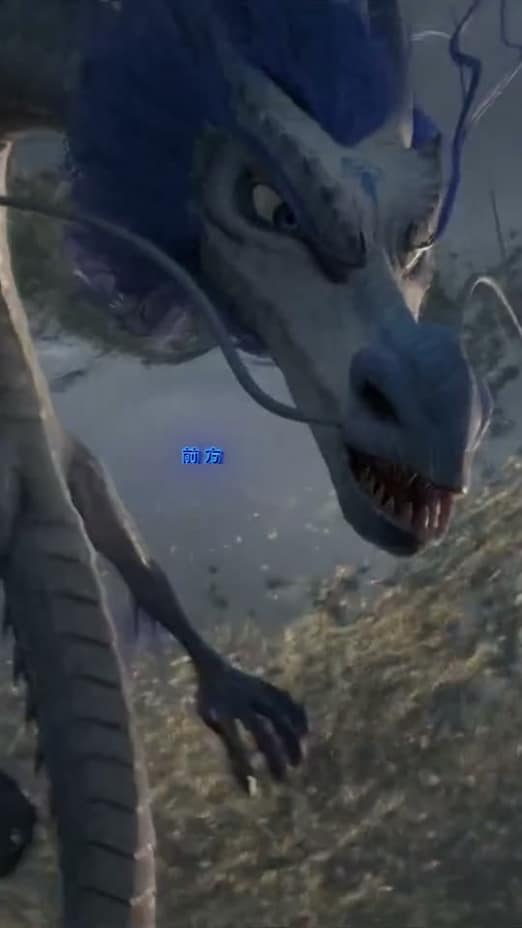
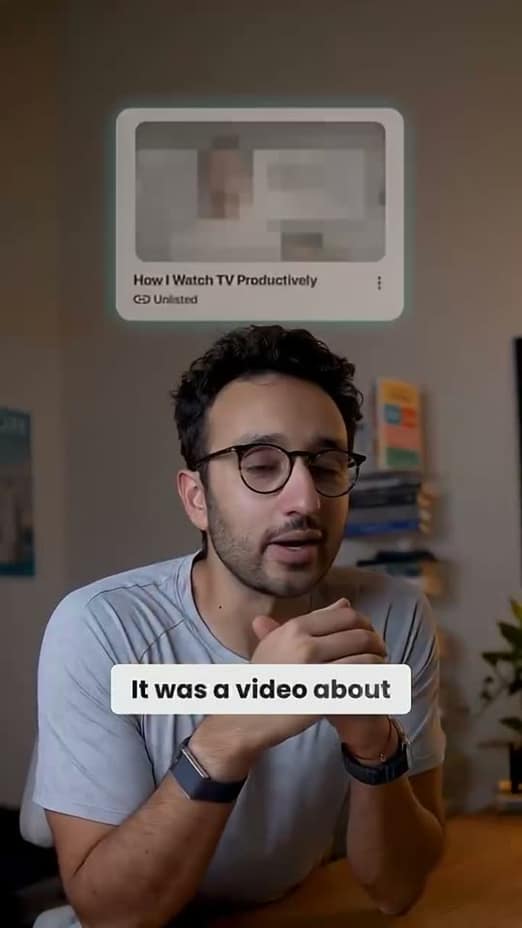
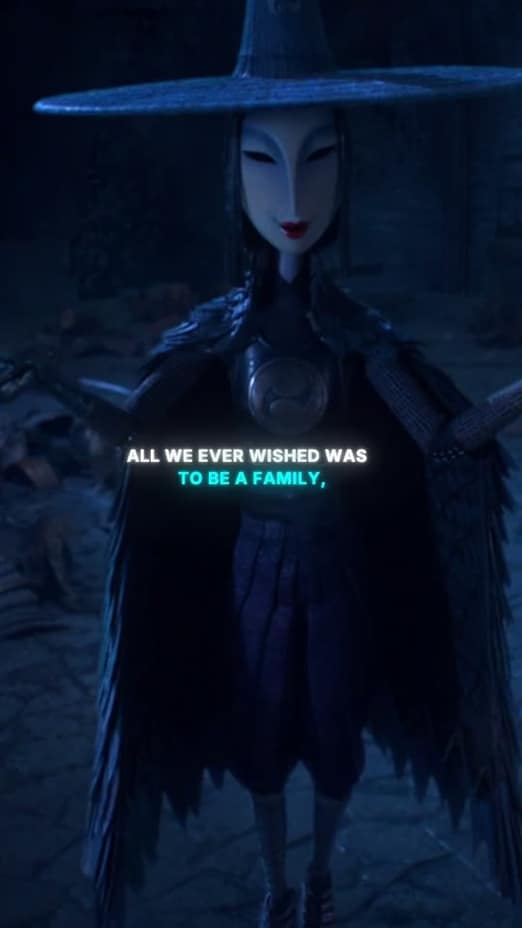
Most TikToks are watched on mute, so the words carry the hook. captionrich transcribes your clip with 99% accuracy and burns on word-perfect kinetic captions that land exactly on the beat.
- Karaoke and kinetic styles tuned for the For You page
- Word-by-word timing that hits on the beat
- Emphasis, color, and emoji on the words that matter
Pacing
Cut the dead air before anyone can swipe
Retention on TikTok is won in the gaps. Remove silences, filler words, and bad takes in one pass, then let smart jump cuts tighten what's left into a relentless rhythm.
- One-click silence removal, from light to aggressive
- Ums, ahs, and false starts detected and cut
- Jump cuts that match the pace of top creators
Energy
B-roll, emojis, and motion graphics on autopilot
That native TikTok look of cutaways, floating emojis, and animated callouts takes hours by hand. captionrich reads your transcript and layers it in automatically; you just approve or swap.
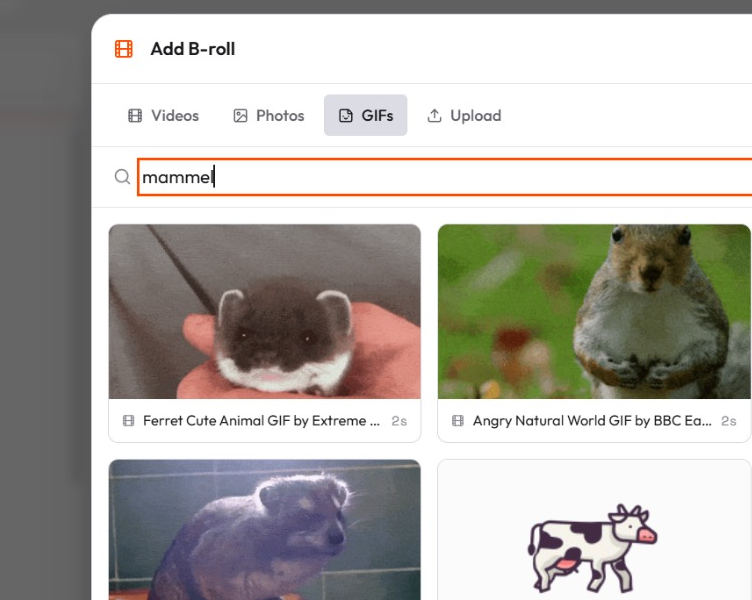
- Auto B-roll matched to keyword moments
- AI emoji placement, from sparse to dense
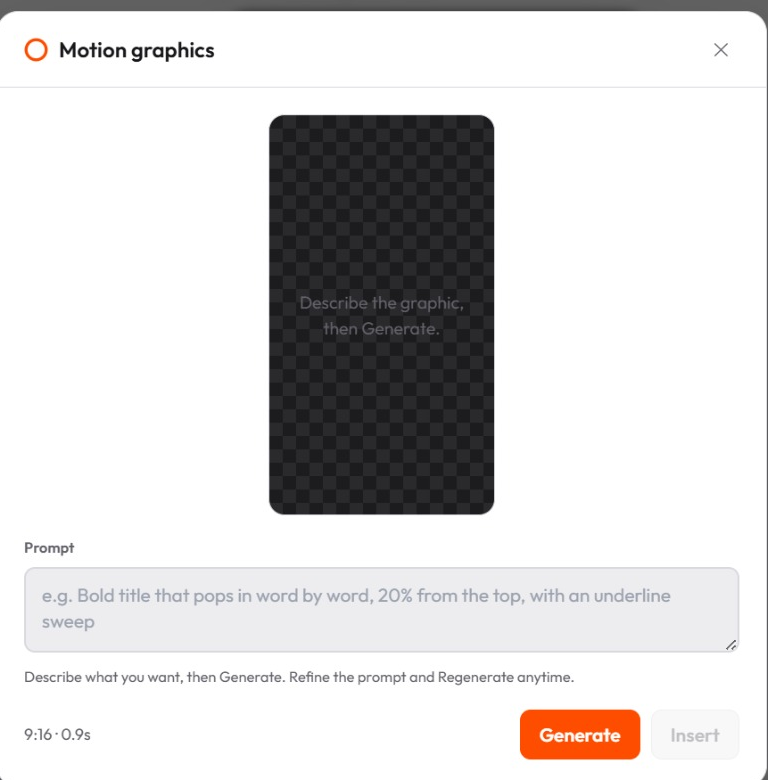
- AI-designed motion graphics you can edit in a click
How it works
From upload to posted in three steps
Upload your clip
Drop in a file or paste a link, and captionrich pulls the audio and transcribes it on the spot.
Edit it like a doc
Delete a sentence and the footage cuts to match. Captions, effects, and B-roll apply straight from the transcript.
Export vertical, post
Burned-in captions and 9:16 framing, ready for TikTok. Post it before the trend moves on.
The features behind this workflow
Auto Clipper
Turn a long podcast into short clips for TikTok, Reels, and Shorts.
Caption Styles
40+ animated styles that stop the scroll.
Smart Jump Cuts
Tighten the gaps between sentences automatically.
Auto Emojis
Relevant emojis dropped onto your captions.
Auto B-Roll
Auto-insert matching stock footage on keyword moments.
More ways creators use captionrich
FAQ
Questions about editing TikTok videos
Upload your clip and captionrich transcribes it automatically, then burns animated captions onto the video. Pick from 40+ styles, adjust colors and position if you like, and export. No timing or typing needed.
Yes. captionrich runs entirely in your browser: transcription, editing, and the final MP4 export. There's nothing to install, and your footage stays on your machine while you edit.
Word-by-word kinetic and karaoke styles tend to hold attention best, because viewers read along on mute. captionrich includes 40+ animated templates, and you can save a custom look to reuse on every video.
Yes. One pass detects silences, ums, ahs, and repeated takes, and cuts them from the timeline. Every cut is reversible, so you stay in control of the final edit.
Yes. Exports are vertical-ready with burned-in captions, so the clip looks exactly the same on TikTok as it did in the preview.
captionrich transcribes in 50+ languages and can translate your captions while keeping the timing and styling intact, so one clip becomes many localized versions.
Post your next TikTok today
Upload one clip and watch captionrich caption, cut, and style it for the feed, free in your browser.
Edit my video for free