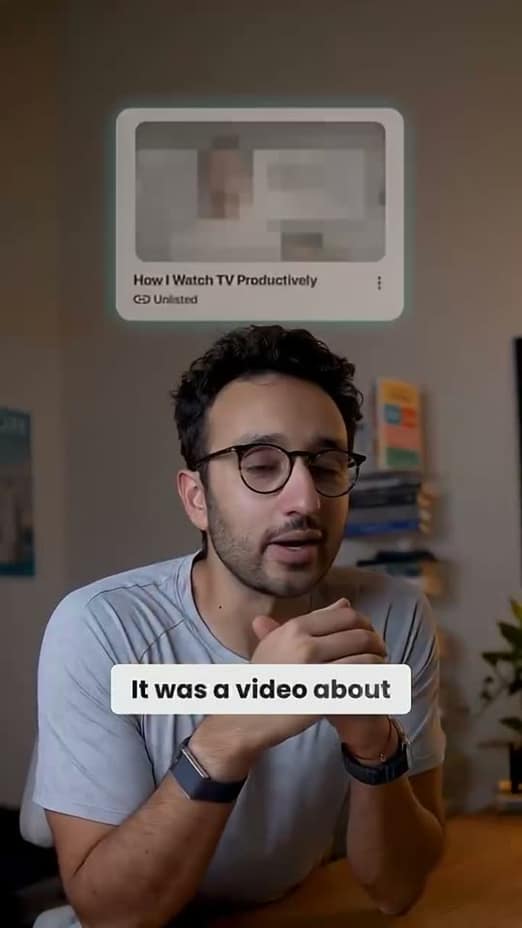
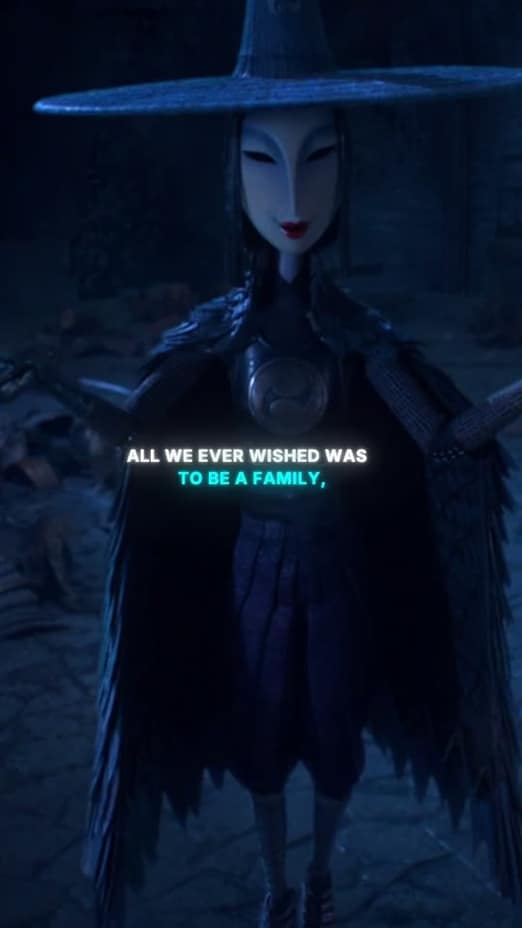
Professional video, without a production team
LinkedIn rewards clear, credible video. captionrich adds clean captions, cuts the rambling, and keeps your look consistent, so your thought leadership lands without the noise.
Credibility
Captions that read as polished, not flashy
A professional feed calls for a professional look. Clean, accurate subtitles carry your argument for the majority who watch on mute, without the neon effects that belong on other platforms.
- Understated, legible caption styles
- 99% transcription accuracy, names and jargon included
- Editable transcript, so a fix never means re-syncing
Delivery
Cut the ums before your network hears them
You get one first impression per post. Remove filler words, false starts, and dead air in a single pass, and your delivery sounds as sharp as your thinking.
- Ums, ahs, and likes flagged and removed
- Repeated takes detected, and the best one stays
- Pauses trimmed while the pacing stays natural
Efficiency
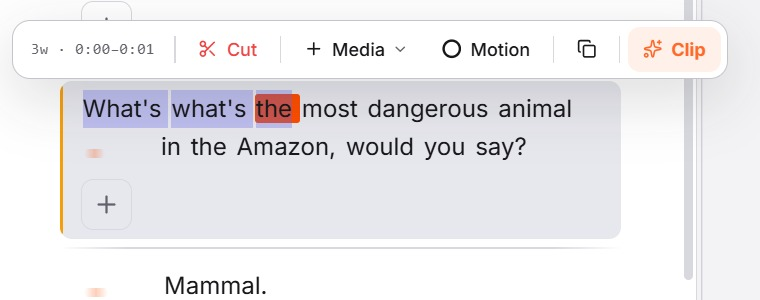
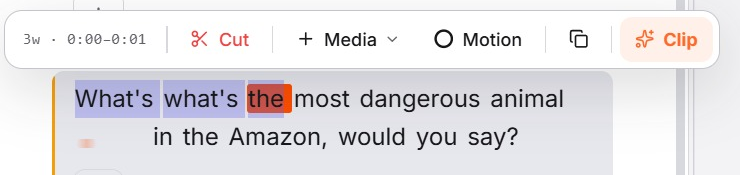
Edit your post like a document, not a timeline
You write your posts in minutes; your videos should take the same. Select a sentence in the transcript to cut it from the footage. No scrubbing, no timeline skills.
- Select text to trim, cut, or rearrange the video
- Every edit reversible with global undo
- Captions translate to 50+ languages for global reach
How it works
From upload to posted in three steps
Record and upload
A webcam take or a phone video is enough. captionrich transcribes it on upload.
Tidy the delivery
Fillers, false starts, and dead air come out in one pass; clean captions go on.
Post with confidence
Export a crisp, captioned video that holds up in a professional feed.
More ways creators use captionrich
FAQ
Questions about LinkedIn video
Upload your video and captionrich generates accurate subtitles automatically, styled cleanly for a professional audience. Export with them burned in so they display on every device.
Yes. Most feed video is watched without sound, especially at work. Captions are the difference between your point landing and your post being scrolled past.
It removes the artifacts that read as unpolished: filler words, false starts, long pauses, and duplicate takes. Your ideas stay; the stumbles go.
If you can edit a document, you can edit here: delete a sentence in the transcript and the footage is cut to match. There's no timeline to learn.
Yes. Captions translate into 50+ languages with timing and styling intact, so one recording works across regions.
Nothing. Start free in the browser, edit a real video, and see the result before considering a plan.
Publish sharper LinkedIn videos
Upload a take and get clean captions and a crisp delivery in minutes, free in your browser.
Edit my video for free