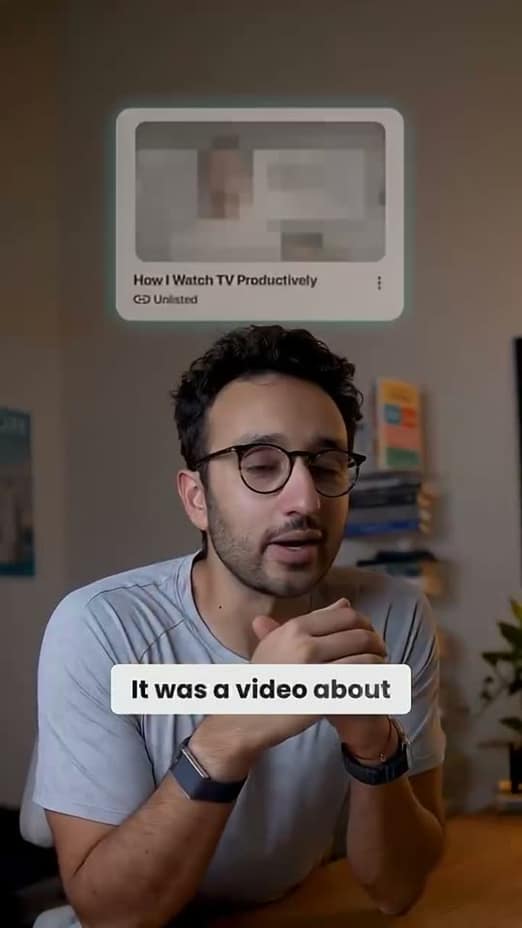
Reels with the polish the algorithm rewards
From neon hype to glitch to cinematic, captionrich gives your Reels an on-trend, produced look. Captions, transitions, B-roll, and motion graphics, all from one browser tab.
Aesthetics
Caption styles that match the Reels you admire
Reels is the most aesthetic-driven feed there is, and captions that look pasted on get scrolled past. Pick from kinetic, neon, glitch, and cinematic styles, then tune the colors and fonts to your feed.
- On-trend templates: neon, glitch, cinematic, paper-cut
- Per-word color, size, and emphasis control
- Save your look once and reuse it on every Reel
Rhythm
Keep the cut moving so viewers stay
The best Reels never sit still. Cut the silences and stumbles in one pass, then let jump cuts and scene transitions carry the momentum from beat to beat.
- Silences and filler words removed automatically
- Fades, glitches, whip pans, and film burns on any cut
- Scene zooms punch in on the moments that matter
Production value
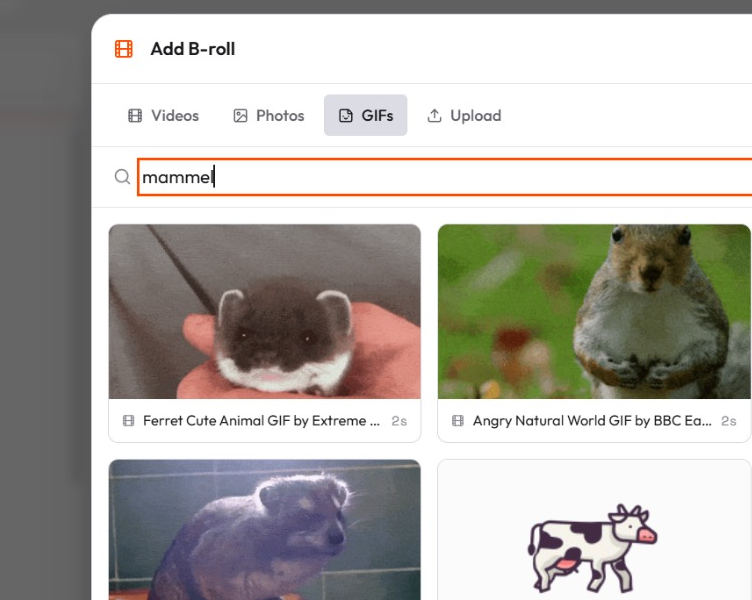
B-roll and motion graphics without the studio
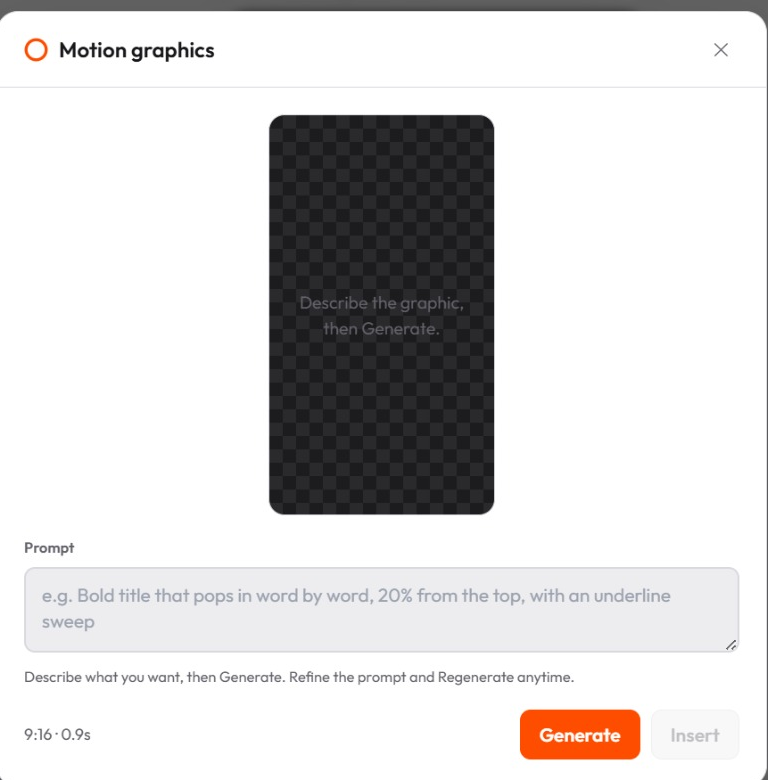
A produced feel used to mean an editor and an afternoon. captionrich layers in matching B-roll and AI-designed motion graphics from your transcript; you swap or approve, and it's done.
- Auto B-roll pulled to match your keywords
- Animated titles, callouts, and kinetic shapes
- Full-frame, split-screen, or picture-in-picture layouts
How it works
From upload to posted in three steps
Upload your footage
A clip, a vlog moment, a product shot. captionrich transcribes it instantly.
Style it to your feed
Pick a caption aesthetic, add transitions and B-roll, and tune it until it feels like you.
Export and post
Vertical, captioned, and polished, ready for Reels without leaving the browser.
More ways creators use captionrich
FAQ
Questions about making Instagram Reels
Upload the clip and captionrich transcribes and captions it automatically. Choose from 40+ animated styles, adjust the position and colors, and export with the captions burned in.
Yes. captionrich is a full Reels editor in the browser, which makes detailed work like caption styling and B-roll placement much faster than editing on a phone.
Kinetic pop, karaoke highlight, and clean cinematic looks all perform well. The right choice depends on your niche, and captionrich lets you preview your actual footage in each style before committing.
Yes. It reads your transcript, finds the moments that need visuals, and suggests matching stock clips and images you can approve, swap, or remove.
Yes. The preview and the exported MP4 are rendered from the same composition, so what you see while editing is exactly what you post.
Save your caption style, including template, colors, and fonts, and apply it to every new video in one click, so your feed stays visually coherent.
Make your next Reel scroll-stopping
Upload a clip and give it the caption style, pacing, and polish your feed deserves, free in your browser.
Edit my video for free