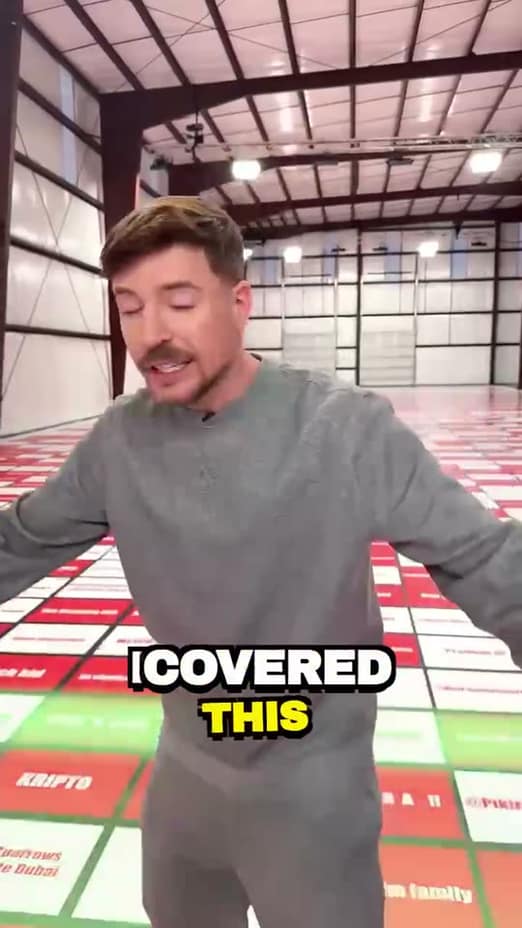
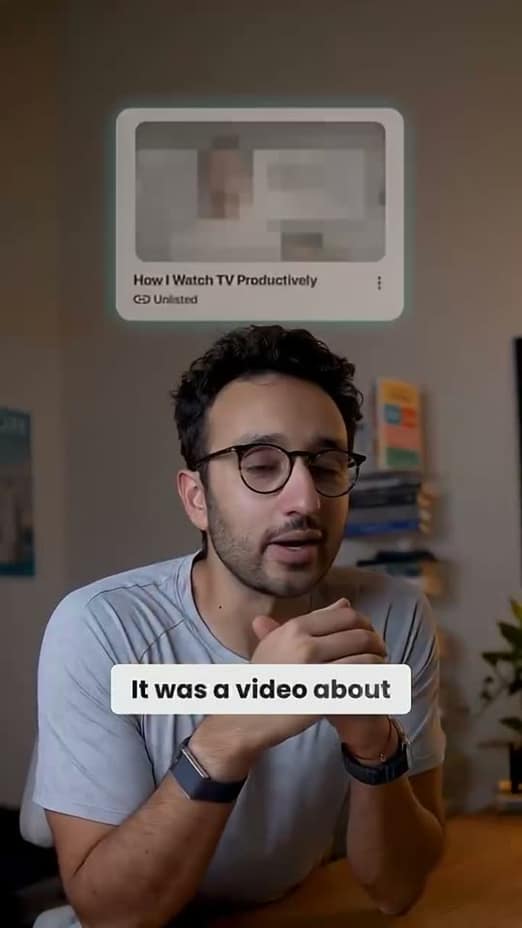
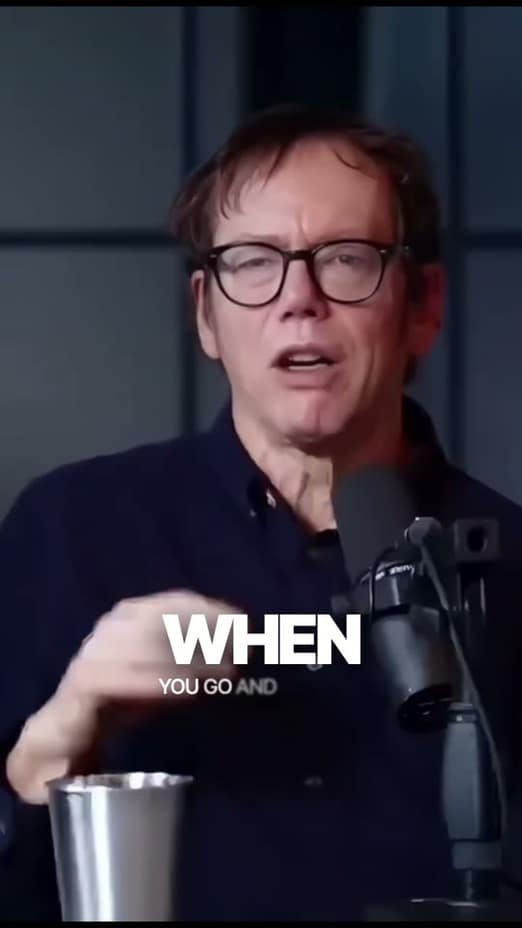
Edit your talking-head video like a document
Record yourself, get an instant transcript, and edit the video by editing the words. Bad takes, ums, and dead air come out automatically; captions, zooms, and B-roll go in.
Text-based editing
Delete the words, and the footage follows
The transcript is the timeline. Select a sentence to cut it, drag to rearrange, and watch the video restructure itself. It's the fastest way to edit anyone talking to a camera.
- Select transcript text to cut, trim, or reorder footage
- No scrubbing, no keyframes, no timeline skills
- Global undo keeps every experiment safe
Cleanup
Bad takes and filler words, gone in one pass
Said the line three times? Rambled into the point? AI finds the repeated takes, keeps the best one, and strips the ums and dead air. A messy recording becomes a clean edit in seconds.
- Repeated lines detected; the keeper stays
- Filler words flagged for one-click removal
- Silence trimming with natural room-tone padding
Energy
Keep a single camera angle interesting
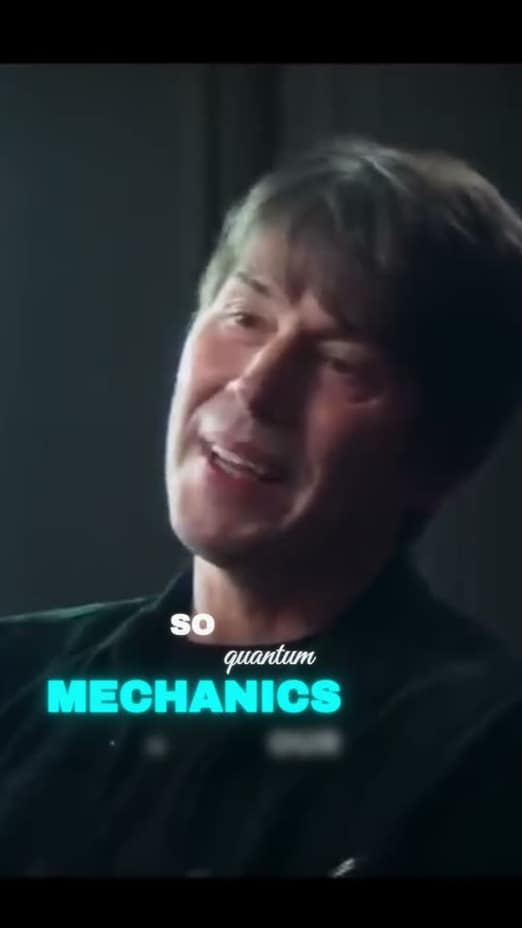
A static talking head needs motion to hold attention. Scene zooms punch in on your key moments, B-roll covers the cuts, and captions carry the story for muted viewers.
- Crash, smooth, and steady zooms per scene
- Auto B-roll breaks up the single angle
- Word-timed captions in 40+ styles
How it works
From upload to posted in three steps
Record and drop it in
Talk to the camera without worrying about flubs. Retakes are handled later.
Edit the transcript
Cut sentences, remove bad takes and fillers, and rearrange the story as text.
Style and export
Captions, zooms, and B-roll go on top; the export matches the preview exactly.
More ways creators use captionrich
FAQ
Questions about editing talking-head video
Your video is transcribed, and the transcript becomes the editing surface: deleting a sentence cuts that footage, rearranging text rearranges the video. It's dramatically faster than timeline editing for anything speech-driven.
Yes. When you repeat a line, AI detects the retakes, keeps the strongest delivery, and cuts the rest. Every removal is reversible if you preferred another take.
No, and that's the point. Flub a line, say it again, and keep going. The cleanup pass sorts out the takes, fillers, and pauses afterwards.
Pace and motion: cut the gaps, punch in with scene zooms at key moments, add B-roll where you reference something visual, and keep captions on for muted viewers.
Yes. Long takes are where transcript editing shines, and Smart Scenes will structure the recording into navigable blocks so you can work section by section.
Yes. It's free to start in the browser. Record something, run the cleanup pass, and judge the result on your own footage.
Record once, edit it like a doc
Upload a talking-head take and clean it up by editing text, free in your browser.
Edit my video for free